





Art: 2100000098576
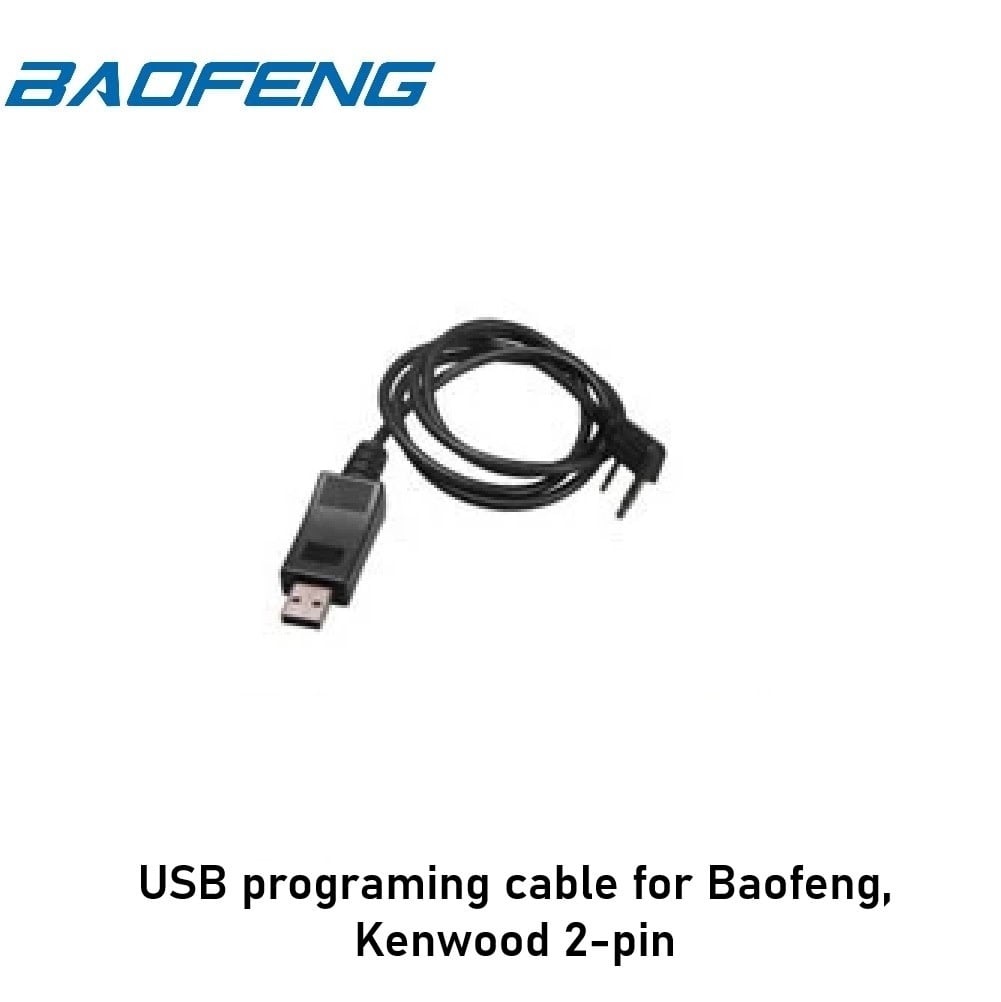
BaofengUSB programing cable for Baofeng, Kenwood 2-pin

Airsoft Store KORTRIJK: Engelse Wandeling 2 8500 Kortrijk
Airsoft Store OOSTKAMP: Legeweg 135/2 8020 Oostkamp
Store Location & Opening Hours
Own Technical Workshop with Know-How
24/7 Webshop shipping Worldwide
Loyalty Points Program - Register Now
Beschreibung
USB Programming Cable for Baofeng Radios
Original accessories for Baofeng radios offer top quality and reliability that every user will appreciate.
Baofeng radios are among the best-selling amateur radios suitable for airsoft due to their durability and excellent field performance.
By using original parts and accessories directly from the manufacturer Baofeng, you ensure maximum compatibility and functionality of your devices without the need for additional modifications.
USB programming cable for Baofeng radios provides the ability to easily and quickly set frequencies and channels on your radio. However, setting it up requires some practice, so follow the instructions.
Programming Instructions
- Download the programming software for your operating system, for example for WIN10 SoftwareUV5R-win10, for other operating systems use this link: http://www.miklor.com/uv5r/UV5R-Software.php.
- Install the drivers for the radio on your PC.
- If Windows identifies the device as unknown and therefore non-functional, follow the instructions.
- Open the Device Manager folder, select the radio, click on its properties, and choose the "Driver" tab, then proceed by clicking the "Update Driver" button.
- Select "Search for driver software on my computer", then "Choose from a list of available drivers on my computer", and then just confirm what Windows 10 offers without specifying the manufacturer or type of device.
- Restart the PC.
- It is necessary to follow the correct connection procedure, otherwise, the program will not work correctly.
- For successful programming, the cable must be fully inserted into the radio until you hear a click.
- Connect the cable to the PC.
- Connect the cable to the radio.
- Turn on the radio and set the volume to maximum.
- Run the program on the PC.
Files for Radio Programming
Technical Specifications
- Material: Rubber, plastic
- Connectors: USB, Kenwood 2-pin
- Supported Operating Systems: WIN7, WIN10 (64-bit)
Compatibility with Radio Models
- BAOFENG:
UV-5R, UV-5RA, UV-5RC, UV-5RE, UV-5R8W, UV-5RE8W, UV-5RTP, UV-8HX, UV-82, UV-82HP, UV-82HX, UV-82, AN-152 - TYT (with Kenwood 2-pin connector)
- INTEK (with Kenwood 2-pin connector)
Schlagworte
Recent Viewed Products